
How to get enquiry form submissions into your CRM automatically
To get enquiry form submissions into your CRM automatically, connect the form directly to the CRM so every submission creates a contact record, triggers a reply and lands on the right person’s desk without anyone copying anything by hand. You do it with a native form, a webhook or an automation tool like n8n sitting between the two. Set up once, and the typing stops forever.
If you are still reading new enquiries out of your inbox and pasting the name, email and message into your CRM, this post is for you. That job feels small. It isn’t.
The problem with copying enquiries by hand
A form fills in on your website. It sends you an email. You, or someone on your team, opens the email, opens the CRM, creates a new contact, copies the name across, copies the email, copies the phone number, pastes the message into a note, picks the right owner, and maybe remembers to send a reply. Then the next one comes in.
Every step is a chance to get it wrong. A typo in an email address and you can never reach that lead. A missed field and the record is useless. An enquiry that arrives at 18:30 on a Friday sits unread until Monday, by which point the prospect has called someone else.
And it only happens when someone is at their desk and in the mood. Manual data entry is the first thing to slip when a team is busy, which is exactly when the enquiries are flowing.
What this is really costing you
Three costs, and none of them show up on an invoice.
Time. A couple of minutes per enquiry adds up fast across a week, and that time belongs to someone you’d rather have doing the actual work.
Speed. Leads go cold quickly. The business that replies first usually wins. If your reply depends on someone spotting an email and manually logging it, you’ve already lost hours you can’t get back.
Lost leads. The worst cost is the enquiry that never makes it into the CRM at all. It stays in an inbox, gets buried, and no follow-up ever fires. You paid to generate that lead through your website and marketing, then dropped it at the last step.
There’s a pattern we see every time an owner logs their repeating tasks for a week. They always find far more manual admin than they expected, and enquiry handling is almost always on the list.
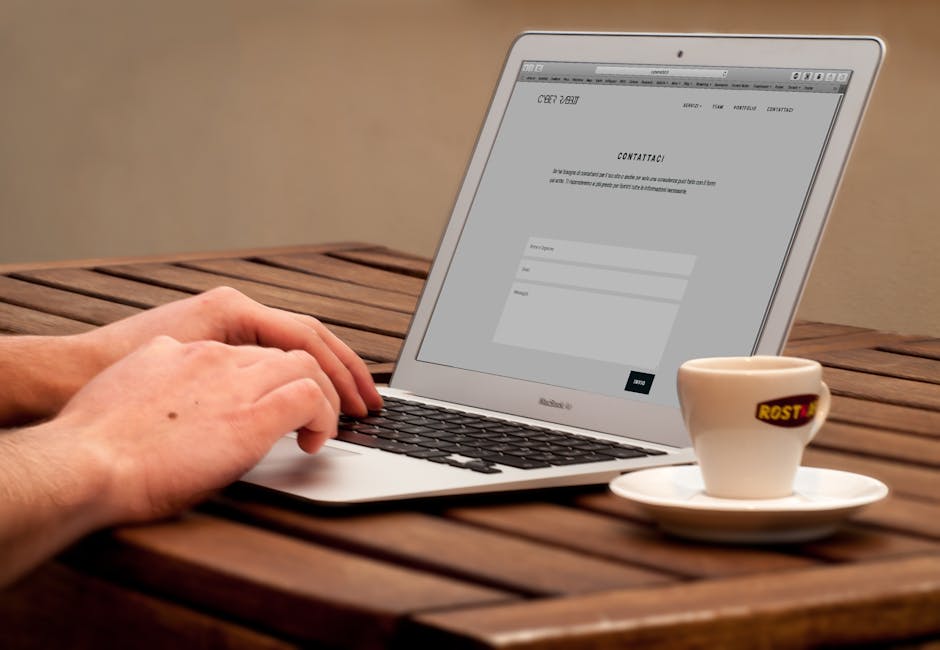
How to connect your enquiry form to your CRM
Here’s the job done end to end. The principle is the same whether you use HubSpot, GoHighLevel or something else.
1. Decide what a complete enquiry looks like
Before you connect anything, write down the fields you actually need. Name, email, phone, company, the message, and where the enquiry came from. Add any question that helps you route or qualify, like service needed or budget range. If your form doesn’t capture a field, your CRM won’t either, so fix the form first.
2. Use a native form or a webhook as the trigger
The cleanest route is a form that talks directly to your CRM. HubSpot and GoHighLevel both let you build a form, or embed their form on your site, and the submission creates or updates a contact automatically. No email in the middle, no copying.
If you want to keep the form you already have, most website builders and form tools can send a webhook on submission. A webhook is just a message your form sends the moment someone hits submit. That message carries the field data, and your CRM or an automation tool catches it.
3. Map the fields once
This is the part that makes it reliable. You tell the system that the form’s “email” goes to the CRM’s email property, “message” goes to a note or a custom field, and so on. Map it carefully once and it runs the same way every time, no typos, no missed fields.
4. Set the trigger to create the record and reply instantly
Now the good part. The moment the form submits, the automation should create the contact, log the enquiry, assign an owner, and send an acknowledgement reply so the prospect knows they’ve been heard. All in seconds, at any hour, whether or not anyone is at their desk.
5. Route it and tag the source
Send the right enquiry to the right person. A property enquiry to the property team, a new client enquiry to whoever handles onboarding. Tag the source so you know which page or campaign produced the lead. That tagging is what lets you see later what’s actually working.
6. Add a tool in the middle when you need more
Native forms cover the basics. When you need to read the message, score it, pull in data from another system or fan it out to several places, an automation engine like n8n sits between the form and the CRM and does the heavy lifting. This is how you go from “logged automatically” to “qualified and routed automatically”.
We did exactly that for a brokerage. HubSpot as the CRM, n8n as the automation engine, and Claude reading and scoring each enquiry form against the brokers’ own criteria. A qualified lead now reaches the right broker with a pre-filled client summary within four minutes. They bought no new tools to do it.
Luke Stillwell has run his own businesses for 19 years and has watched this exact job swallow time in service firms again and again. The tools he reaches for, HubSpot, n8n and Claude, are the same ones above, and the fix is almost always simpler than owners fear.
If you want someone to map the fields and wire it up properly the first time, that’s the sort of thing we handle as a CRM consultant in Essex. 07 Heaven is based in Southend, Essex and works with businesses across the UK.
What you stop doing
Once this is live, you stop reading enquiries out of your inbox. You stop creating contacts by hand. You stop losing the ones that arrive out of hours. The prospect gets an instant reply, the record is clean, and the right person picks it up. As Swann Virassamy of Cromebloc put it after we rebuilt their onboarding, “It streamlined our client onboarding and saved us a huge amount of manual work.”
One note on doing this properly. You’re handling personal data, so store it in a system you control, only collect what you need, and make sure your form has a clear privacy notice. The ICO has plain guidance on handling enquiry data under GDPR.
The behaviour change is simple. This week, stop copying enquiries by hand and connect the form directly to your CRM. If you want to understand what’s possible before you build anything, join our next AI workshop and see how the pieces fit together.

Common questions
How do I connect a website form to my CRM?
Use the CRM’s own form builder or embed its form on your site, which creates a contact automatically on submission. If you want to keep your existing form, enable a webhook so it sends the data to your CRM or to an automation tool like n8n the moment someone submits. Map the fields once and it runs itself after that.
Can enquiries go into HubSpot or GoHighLevel automatically without Zapier?
Yes. Both HubSpot and GoHighLevel have native forms that write straight to the CRM with no third-party tool. You only need something in the middle when you want to read, score or route the enquiry with more logic than a native form offers, and even then n8n often does the job at low cost.
What happens to enquiries that arrive outside working hours?
That’s the main reason to automate this. A connected form creates the record and sends an acknowledgement reply the instant it’s submitted, at 02:00 or on a bank holiday, so no lead sits unseen in an inbox until someone logs in. The follow-up can then start automatically or wait for your team, your choice.
Rather have it built for you? See what an AI automation agency actually does and how we build and run these systems for UK businesses.



Ready to put this into practice?
Book a free discovery call and we will show you exactly what is possible for your business. No obligation.
4.8 ★★★★★ from 35 Google reviews by business owners like you.